
Create one clear project request.
Create and review one clear Project Requirements document.
Why this helps
HiveSync sends nothing until you choose SMS or another available channel.

From request to comparable response.
Define the work once, share the same brief, then compare the provider response without exposing another provider's reply.
HiveSync request
Define the request
Describe the result, timing, budget, files, and approval needs.
Create a project request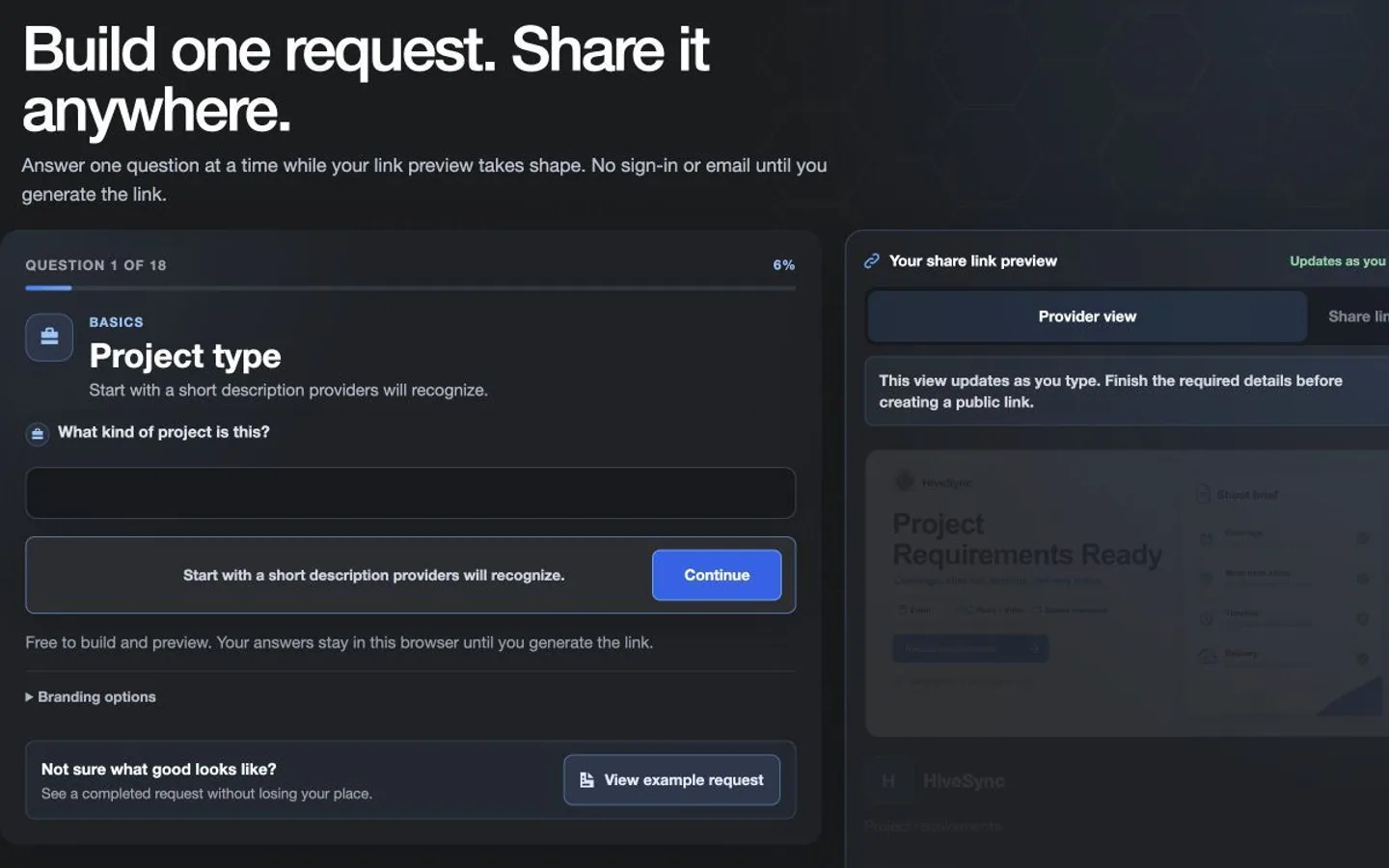 Illustrative persona demo · Nothing is saved, sent, purchased, or published.
HiveSync request
Share one clear brief
Review the capability-safe rich preview, then choose SMS or another available channel. HiveSync sends nothing automatically.
Create a project request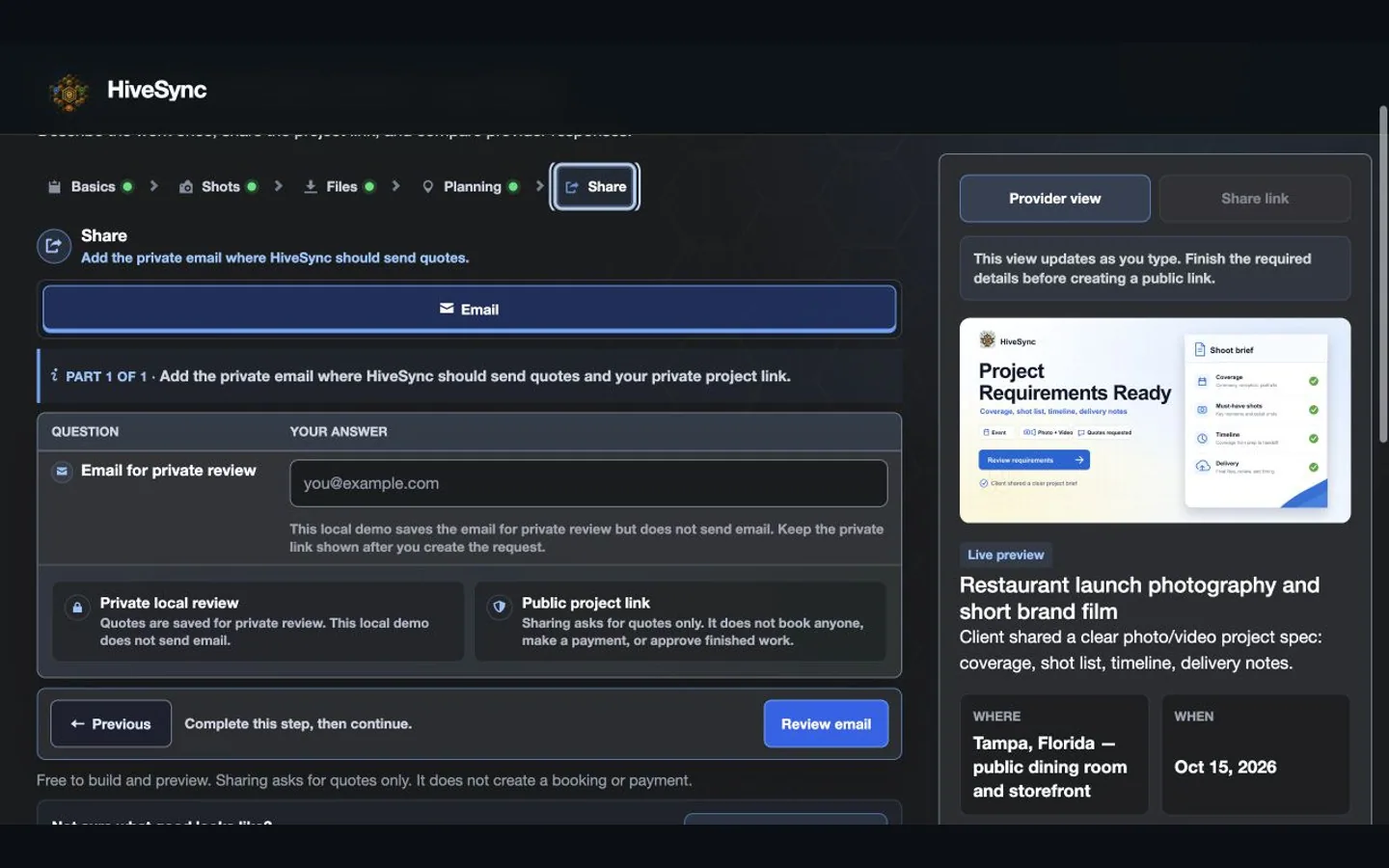 Illustrative persona demo · Nothing is saved, sent, purchased, or published.
HiveSync proposal
Compare the response
Review the returned work, price, assumptions, and handoff against the same request.
Create a project request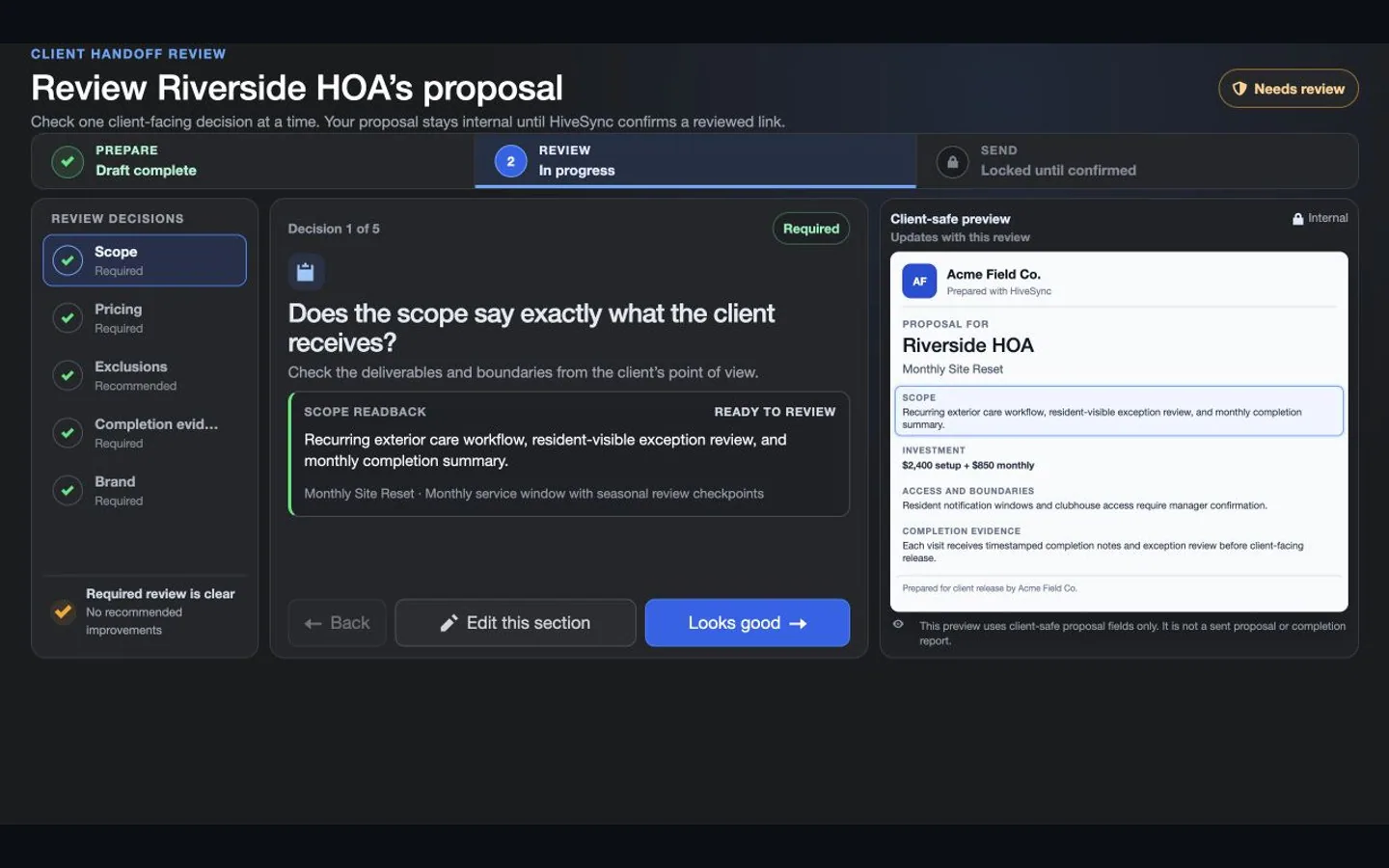 Illustrative persona demo · Nothing is saved, sent, purchased, or published.

Keep the Plan Moving
See how personal trainers and physical therapists organize existing routines on the web and help clients follow instructions and timing on mobile.
3:30 · Illustrative portrayals and development demonstrations with fictional data. Mobile testing continues. MoveSync does not assess exercise form or promise recovery.
Before you hire
Clear requests. Easier comparisons.
You explain what you need.
Why this helps
Each provider explains how they would do it.
One generated document
Benefit details
Keep the work, timing, budget, files, and approval needs together in Project Requirements.
Easy-to-compare replies
Each provider answers the same request.
Benefit details
Their price, plan, and questions stay private.
A clear finish
Keep the accepted plan, completed work, issues, files, and final report together.
Choose a plan
Start with what fits this project.
The pricing page shows current limits and access.
Plan details
Opening a plan does not buy it.
Subscription plan
Free
No-cost starting plan Create and test a clear starter workflow before subscribing. Try included starters, inspect safe Marketplace previews, and create basic Hive-branded completion reports. See the Free planSee other access options
One-time purchase
One-time workflow packs
One-time purchase Buy a focused Blueprint when one outcome is enough. Buy a focused Blueprint or workflow pack when you need one outcome rather than another subscription; previews show current creator, terms, and price. See one-time optionsCompare more ways to buy
Check the pricing page for current prices and access. Comparing an option does not buy it.
What you can use nowWhat happens when you share
What this does
What happens when you share
A project request clarifies the work; it does not automatically book a provider, accept a quote, charge a card, or approve completion.
- Rich link previews exclude private address, agreement, client, evidence, proposal, and bearer-capability details.
- HiveSync sends nothing until the user chooses a channel.
- Provider responses remain private to the client and responding provider.
- The provider controls how the professional work is done, including the crew and tools.
What comes later
More project types, held payments, and tools for many provider replies may come later.
Read common questions4 answers
Questions and answers
Questions clients ask before sharing a request
Is this only for photo and video projects?
For now, photo and video is the first complete example. More project types are planned.
Does sharing a request hire a provider?
No. Sharing creates a review path. Booking, quote acceptance, payment, and final approval remain separate actions.
Can every provider see every response?
No. Providers can see the request you share, but each reply comes back privately.
Do I need a subscription to begin?
The Free plan is the starting point. You can also purchase a focused workflow pack without subscribing when that better fits the job.
Make your next provider conversation clear.
Next-step details
Start with one clear request, then decide what to share and who should respond.