
See the current owner
Give approved work one accountable team member before it starts.
See who owns the work and what needs attention.
TeamSync gives property managers and service teams accountable employee or approved-vendor assignments, required evidence, exceptions, and retained handoff history while waiting, failed, and confirmed updates remain distinct.
Overview
Choose the owner before work starts, keep blockers and update states distinct, and retain the context the next owner needs.
One concrete example
Identify the next team risk without implying that opening it resolves the work.
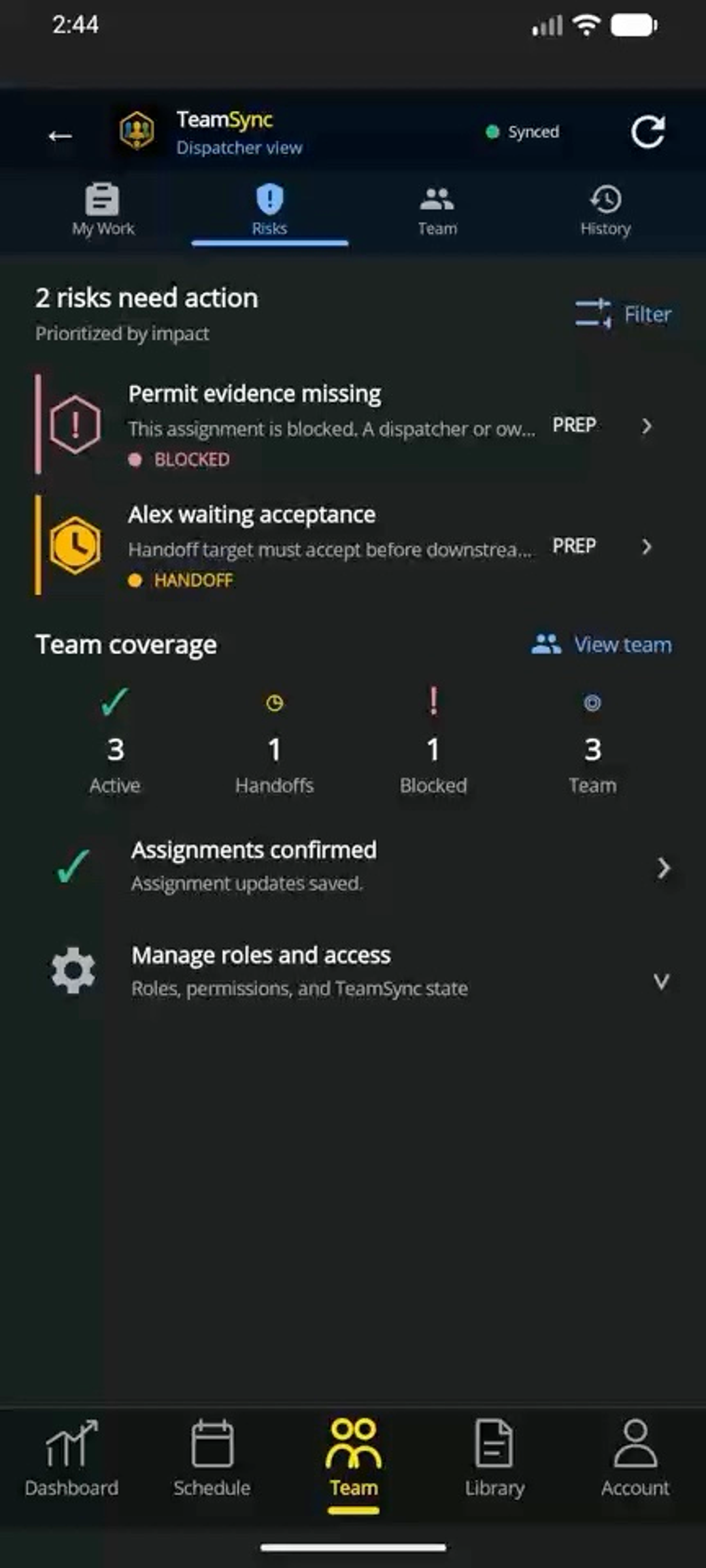 Illustrative feature demo · Nothing is saved, sent, purchased, or published.
Guided demo · reviewed Sep 6, 2026
What changes
Give approved work one accountable team member before it starts.
Show waiting, failed, and confirmed field changes without forcing a status chase.
Keep assignment changes, next actions, and completion history with the job.
Selected teams
Best fit: Team. Enterprise supports larger teams that need more control.