
Review the day plan
Review approved numbered work and priorities without claiming route optimization.
Review the numbered list and map before field work begins.
FleetSync Stops provides a numbered daily list with synchronized stop selection and Google Maps static previews for enabled organizations.
Overview
Use FleetSync for the numbered daily plan and TeamSync for authorized ownership, handoffs, completion evidence, and recovery.
One concrete example
Review the numbered stops, current priority, owner, and exception state before field work begins.
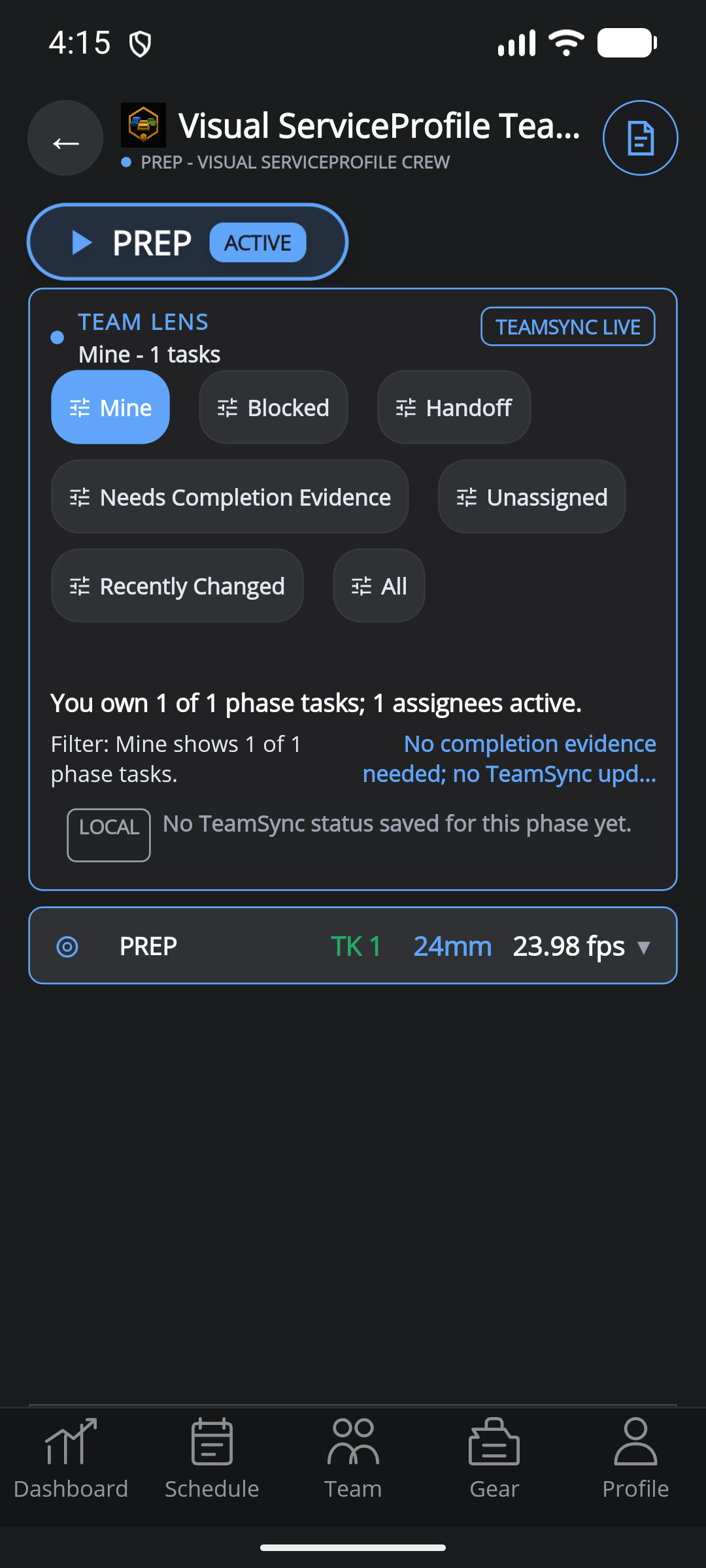 Static product state
Static example · reviewed Aug 11, 2026
What changes
Review approved numbered work and priorities without claiming route optimization.
Connect each stop to a named TeamSync owner and explicit next action.
Keep exceptions, waiting changes, and confirmed history visible together.
Supported Team access
FleetSync is available to teams with current access. Team is the shared-assignment starting point; Enterprise supports larger organization controls and onboarding.