
Plan the shoot. Guide the crew.
Quote the work and guide the crew from prep through wrap.
Why this helps
Keep the schedule, camera and lighting owners, media backups, logistics, and approved references with the crew.

From production plan to reviewable wrap.
Plan the brand-film day, guide the approved crew through the run, and keep wrap context separate from client approval.
HiveSync production
Plan the production day
Organize the schedule, crew roles, logistics, gear, and approved references.
Browse Shoot Day Essentials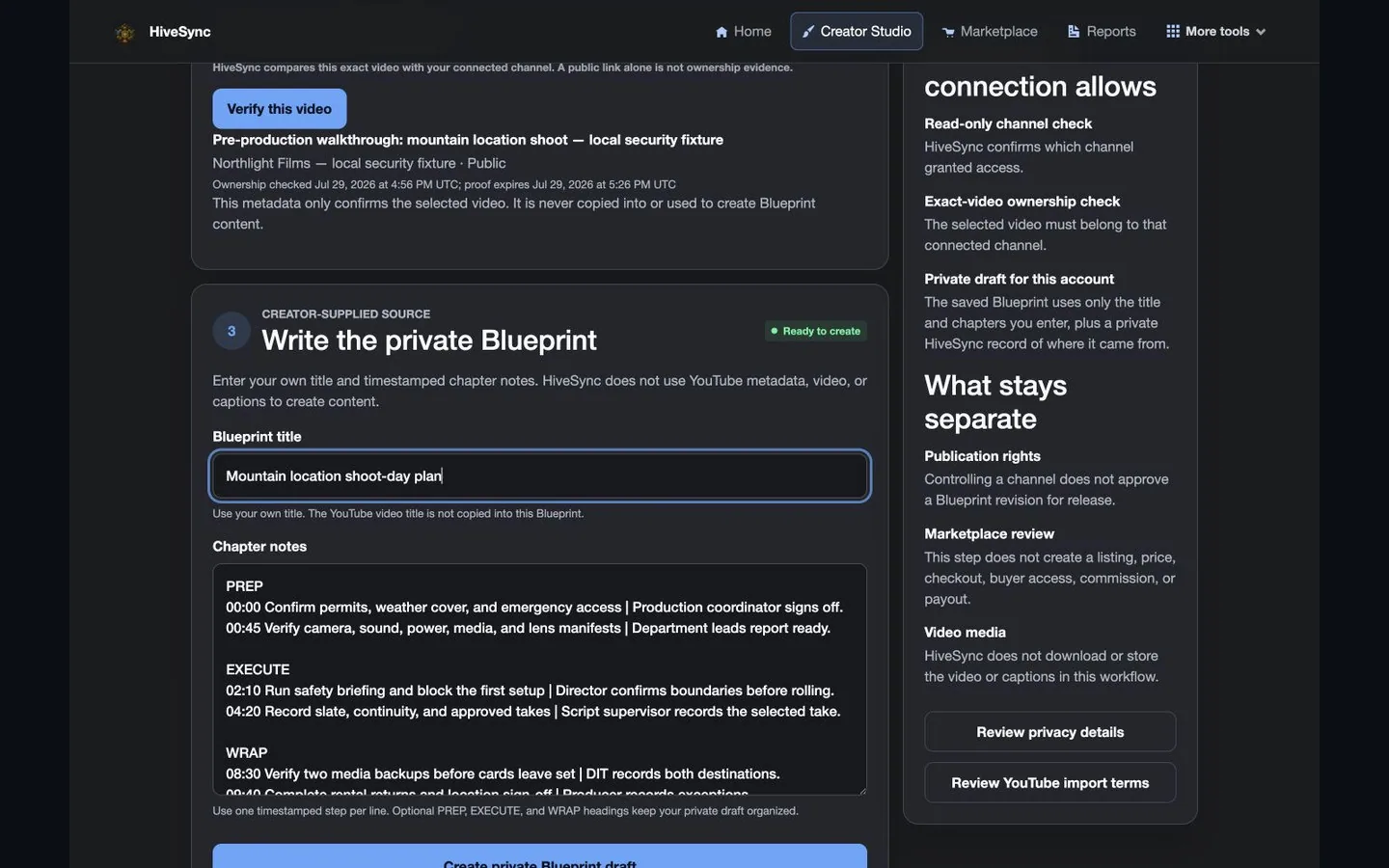 Illustrative persona demo · Nothing is saved, sent, purchased, or published.
TeamSync mobile
Run the shoot
Carry the schedule, task ownership, and approved references through the shoot.
Browse Shoot Day Essentials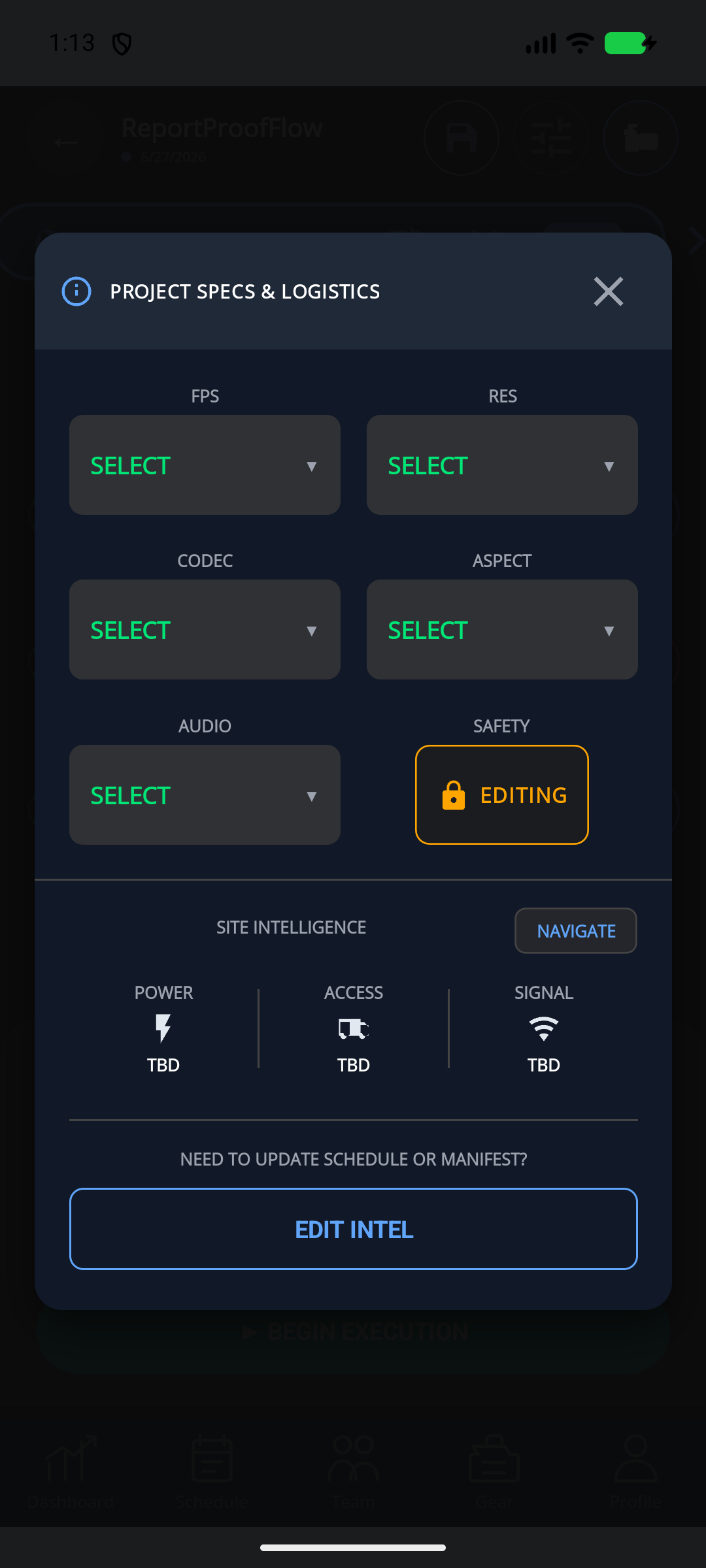 Static product state
HiveSync record
Wrap the production day
Review the retained production context without claiming automatic delivery or creative approval.
Browse Shoot Day Essentials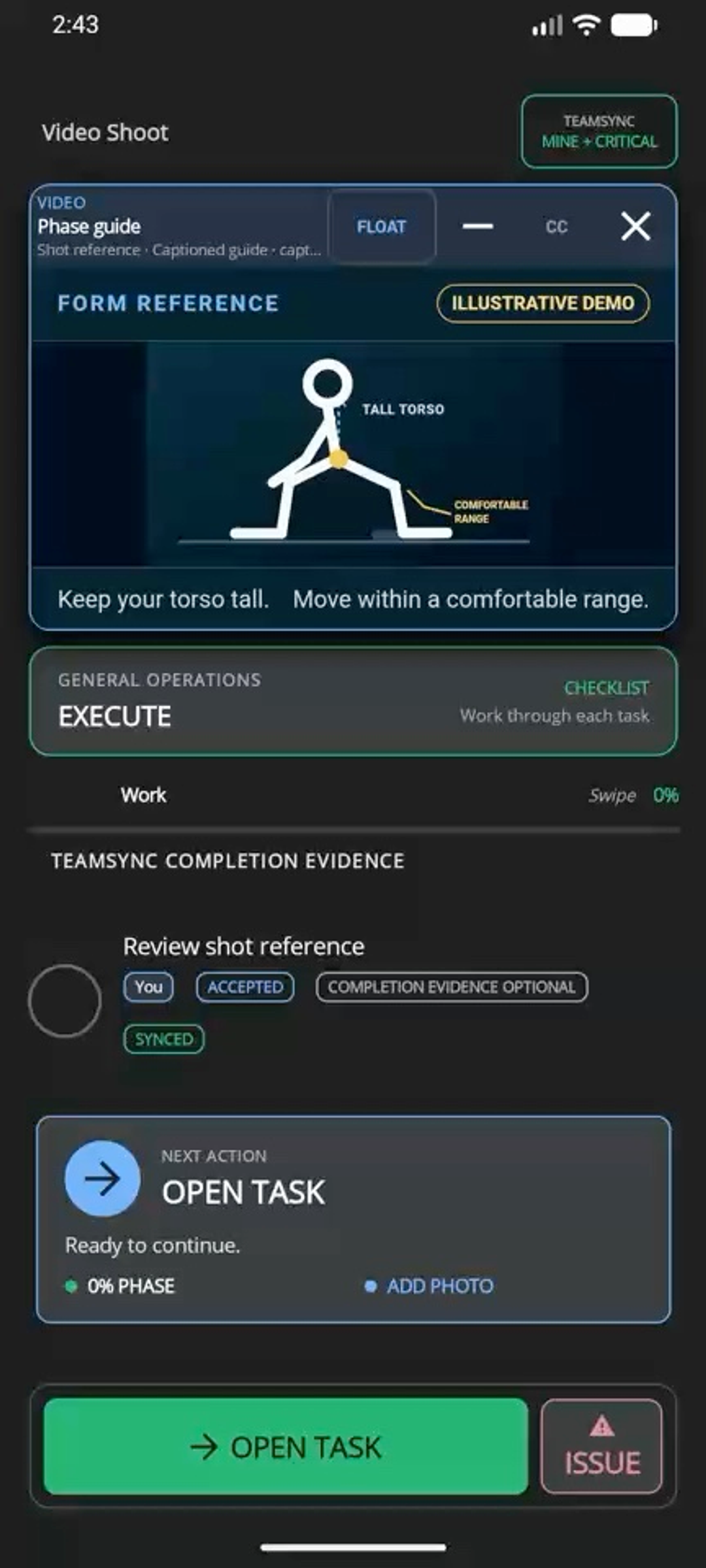 Illustrative persona demo · Nothing is saved, sent, purchased, or published.
See a Film Crew Plan and Do
Follow Malik and his crew as they plan a Cleveland shoot, prepare equipment, assign work and log takes with HiveSync.
Fictional crew and shoot · Actual local app recordings · Captions included.
and Action Hub, before you subscribe
Keep interview preparation, camera and sound owners, location handoffs, and media-backup checks together across your documentary crew.
Interactive example · no account or payment needed. Sample data only; exploring does not update real work or send notifications.
Choose Team for shared assignments and handoffs. Action Hub shows the alerts your account and enabled modules can access; a subscription does not enable every alert type or pilot feature.
Try the TeamSync and Action Hub example
A documentary handoff with a named owner
- Assignment
- Prepare the interview audio kit and confirm the handoff
- Owner
- Jordan
- Update
- Waiting to sync
- Next step
- Wait for confirmation before treating the field update as received.
TeamSync keeps assignments, owners, blockers, and handoff history with the work. A queued update stays distinct from a confirmed update.
Clear work
Keep repeatable work understandable, assigned, and reviewable.
See which feature helps with the next task.
Solo photographers
Benefit details
Keep the brief, quote, files, schedule, equipment, work, and final report together without adding studio overhead.
Cinematographers and camera teams
Assign camera builds, lighting, media backup, gear handoffs, and wrap checks.
Benefit details
Waiting updates stay clearly labeled.
Studios and production crews
Benefit details
Reuse production standards you own, keep completed-work history, and apply to publish approved Blueprints or gear recommendations.
Choose a plan
Choose the option that matches your work.
See the pricing page for current prices, limits, checkout, and access.
Subscription plan
Team
Team workspace plan The starting point for studios that need named crew ownership, assignments, handoffs, and shared operating standards. Coordinate team work, assign responsibilities, plan daily stops, and share templates and reports. Compare TeamSee other access options
Subscription plan
Pro
Solo professional plan For a solo professional building, running, and reporting repeatable production workflows. Create private Blueprints and MoveSync plans, publish approved Blueprints, and use the reports and branding included in your plan. Compare ProOne-time purchase
One-time workflow packs
One-time purchase For a focused one-time production Blueprint such as Shoot Day Essentials. Buy a focused Blueprint or workflow pack when you need one outcome rather than another subscription; previews show current creator, terms, and price. See one-time optionsCompare more ways to buy
Check the pricing page for current prices and access. Comparing an option does not buy it.
What you can use nowPlan production without promising automation
What you can use now
Plan production without promising automation
HiveSync connects the brief, quote, production Blueprint, mobile work, completed-work records, and report. TeamSync names owners and keeps handoffs clear. RecurSync is available after sign-in for supported recurring work. EarnSync publishing and promotion require permission, review, clear disclosure, and confirmed payment records.
- Organize a camera-production Blueprint around preparation, shoot work, and wrap.
- Carry project specifications, run-of-show context, logistics, and gear into mobile work.
- Use approved reference media on supported tasks and make sure you have permission to share it.
What comes later
Automatic booking, repeat-production scheduling, guaranteed creative quality, automatic media import, phone-level picture-in-picture, universal camera control, and client-created income are not available now.
Read common questions7 answers
Questions and answers
Common Questions
Can I explore before creating an account?
Yes. Try the TeamSync and Action Hub examples here, open the TeamSync walkthrough, and compare pricing without signing in. An account is needed only when you set up your workspace and review checkout.
Which plan fits a documentary producer?
Choose Team when you need shared crew assignments and handoffs, even if you start with one seat. Action Hub shows relevant alerts for your account and enabled modules. Pro is for creating your own plans and does not replace TeamSync access.
Is this page for photographers and cinematographers?
Yes. The production path covers stills, motion, camera departments, mixed photo-video delivery, solo operators, and small crews while leaving professional and creative judgment to the provider.
Can I start from an existing camera workflow?
Yes. Shoot Day Essentials is the first public camera-production Blueprint. Review the public preview before choosing a one-time pack or a subscription.
Can a reference video float over a timed task?
For an approved timed task with supported media, the app can show a floating reference video. It is not native Android or iOS picture-in-picture, and availability still depends on the task and app settings.
How do RecurSync and EarnSync fit production?
RecurSync supports first-release recurring work after sign-in. Approved production experts can apply to publish Blueprints or clearly labeled gear recommendations through EarnSync. Neither creates guaranteed income or claims broad external automation.
Which plan fits a camera professional?
Pro is the starting point for a solo professional. Team fits studios that need shared ownership and handoffs. A workflow pack can fit one focused production outcome without a subscription.
Keep the next shoot in one plan.
Next-step details
Review the Team plan for a studio crew, or choose Pro when one person owns the work.