
See who owns the next property visit.
Compare two made-up Harbor Point views.
Why this helps
No workspace, team, seat, assignment, vendor message, evidence, service record, or audit event is created.

Compare separate Web and mobile examplesCompare a property form with a mobile owner example.
Separate property examples
Compare a property form with a mobile owner example.
Two sample Harbor Point views; no connected or saved handoff is shown.
Web App
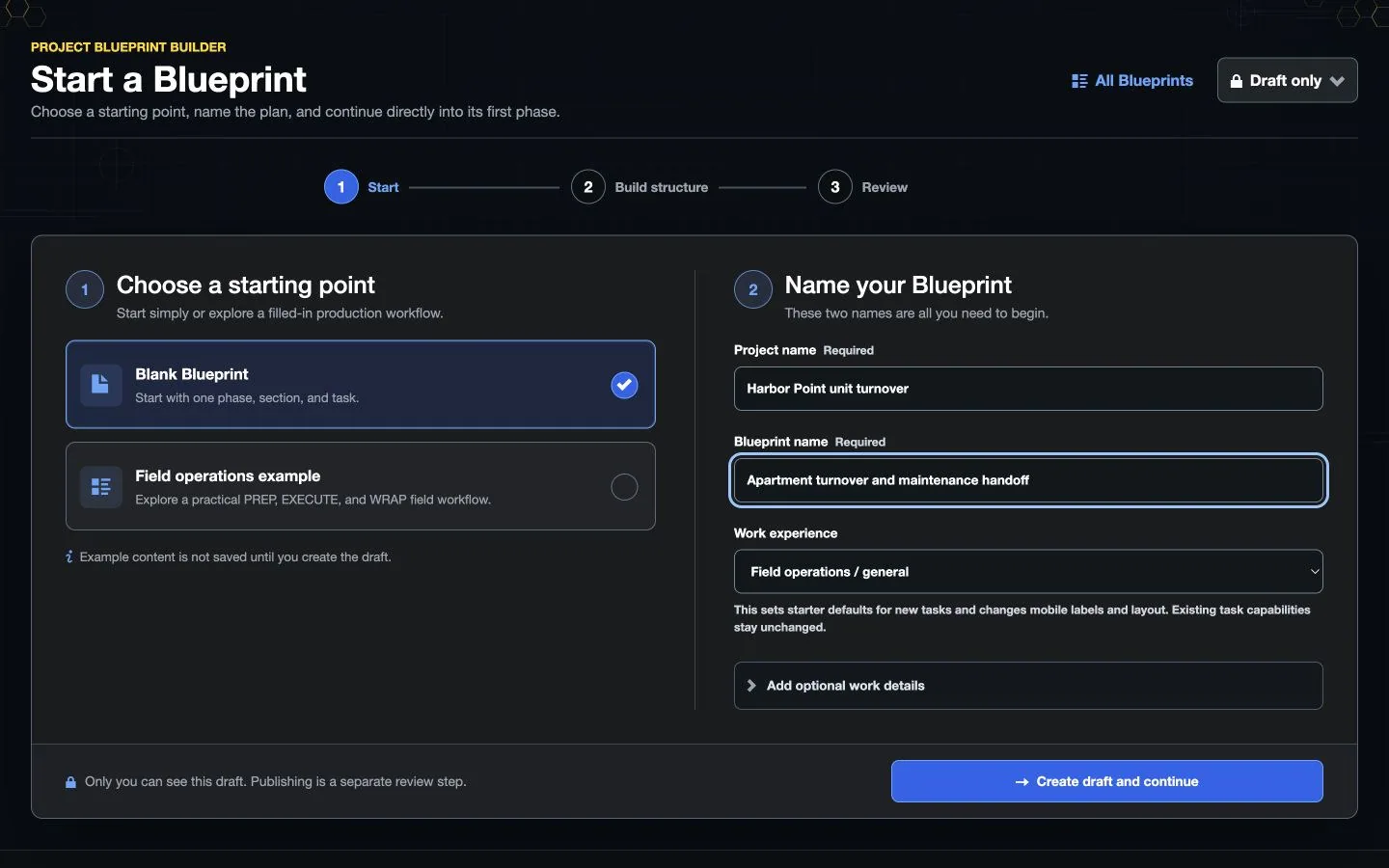 Illustrative persona demo · Nothing is saved, sent, purchased, or published.
Mobile App
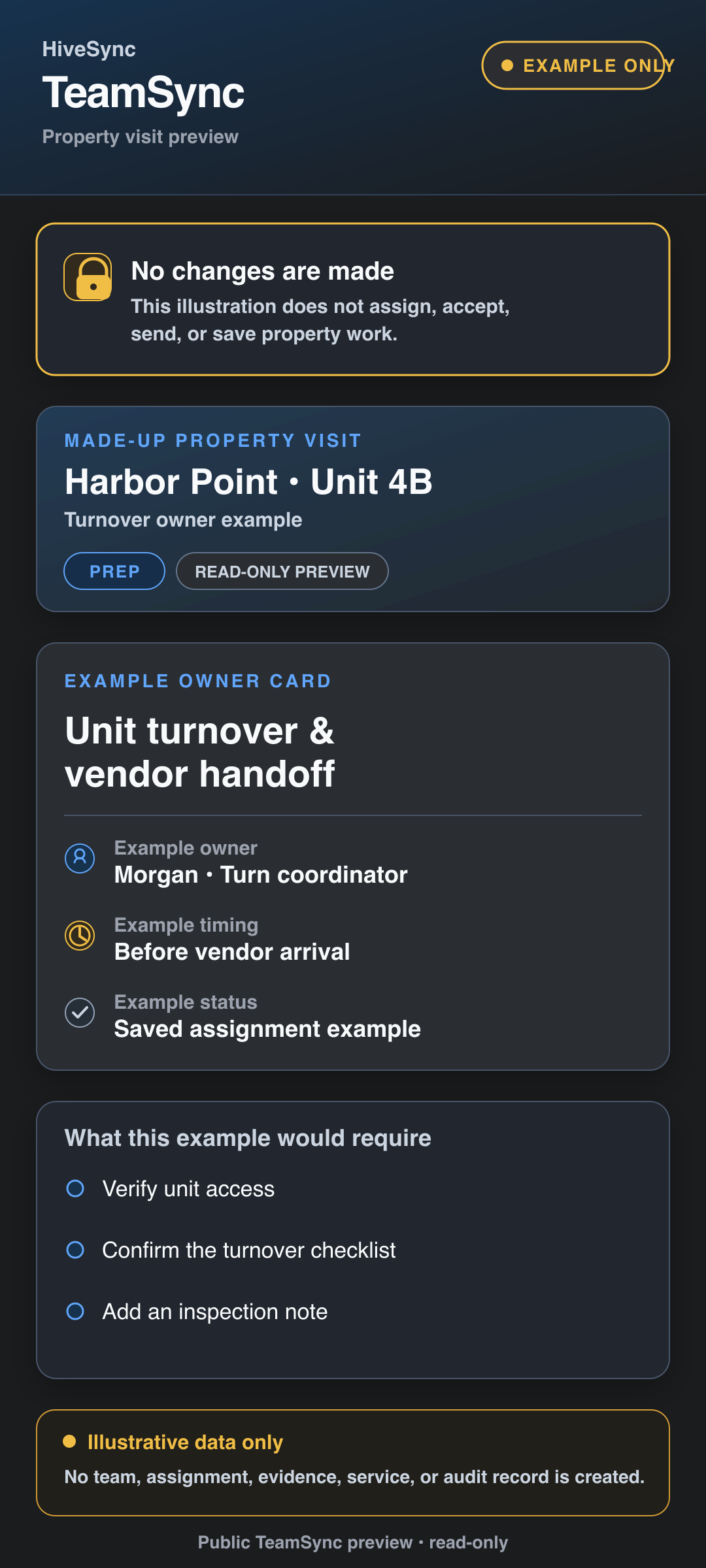 Static product state
Every Stay, a Clear Next Step
See how reviewed guest guidance, issue reports, and property follow-up connect on desktop and mobile web.
3:40 · Illustrative Cedar Cabin story with synthetic Test data. Desktop and mobile-web demonstrations. Ask about pilot availability.
See Property Work from Both Sides
Follow Maya as she coordinates maintenance, reviews completed work, and keeps access issues and agreed payments clear.
Fictional Cedar Grove example · Test payment · No real money moved.
and Action Hub, before you subscribe
Coordinate maintenance owners and vendor handoffs, then see which property work needs attention.
Interactive example · no account or payment needed. Sample data only; exploring does not update real work or send notifications.
Choose Team for shared assignments and handoffs. Action Hub shows the alerts your account and enabled modules can access; a subscription does not enable every alert type or pilot feature.
Try the TeamSync and Action Hub example
A property handoff with a named owner
- Assignment
- Inspect the grounds and record any access issues
- Owner
- Jordan
- Update
- Waiting to sync
- Next step
- Wait for confirmation before treating the field update as received.
TeamSync keeps assignments, owners, blockers, and handoff history with the work. A queued update stays distinct from a confirmed update.
HostSync and Three Supporting Tools
See how short-term rental guest communication, turnovers, repeat visits, field handoffs, and private insurance evidence fit together before choosing a plan.
: guest stays and turnovers · pilot access
Give guests reviewed arrival and stay instructions, keep reported departure separate from confirmed property readiness, hand turnover work to a cleaner, and retain permitted inspection issues for operator review.
Pilot access · no public HostSync subscription price yetBuying Team or RecurSync does not automatically enable HostSync. Current subscriptions cover their listed team and recurring-work capabilities; HostSync access is qualified separately while pricing is tested.
- Guests can use an approved stay guide without being forced to buy a subscription.
- Cleaners and operators keep acknowledgement, completion, exceptions, and readiness as separate decisions.
- HostSync works alongside a booking channel; it does not import Airbnb reservations, control smart locks, or move Airbnb fees.
Explore the Supporting Modules
: repeat maintenance
Keep recurring maintenance, an accountable owner, and the last visit’s evidence together.
Separate monthly subscriptionExplore the recurring-visit demo
RecurSync Questions: daily property stops
Review a numbered daily stop list, coordinate field handoffs, and see outstanding work across sites.
Included with TeamExplore FleetSync and its demo
Copy an address or open your maps app. Route optimization, travel tracking, and live ETAs are not included.
: private insurance evidence
Keep private company certificates of insurance, human review, and renewal follow-up in one place.
Team access · up to three active recordsExplore ComplySync and common questions
Organizes insurance evidence; it does not certify coverage or legal compliance.
Try a fictional property-team workflow
Explore a Property Team’s Day
Illustrative sample. These controls do not save work, send messages, or change access.
Guest Departure to Turnover Review
- Give the guest reviewed stay and departure guidance.
- Record the guest’s departure signal without treating it as completion evidence the property is ready.
- Assign the turnover, review permitted evidence and exceptions, then make the readiness decision.
Guest, cleaner, and operator states remain distinct so one tap cannot silently complete the whole turnover.
Clear work
Keep repeatable work understandable, assigned, and reviewable.
See which feature helps with the next task.
Accountable owner
See the employee or approved vendor responsible for the current property visit.
Clear handoffs
Distinguish waiting, failed, and confirmed field handoffs.
Retained property history
Benefit details
Keep required evidence, exceptions, timestamps, client responses, and the recorded result with the property.
Team for Shared Property Work
Compare Team and
Team and RecurSync have separate charges.
Plan details
Review annual Team seats and monthly RecurSync operators before checkout.
Subscription plan
Team
Team workspace plan The property-operations path for named owners, explicit handoff status, and reviewable history. Coordinate team work, assign responsibilities, plan daily stops, and share templates and reports. Compare TeamSee other access options
Subscription plan
Pro
Solo professional plan A quieter alternative for a solo property operator building reusable visits and reviewable completion history. Create private Blueprints and MoveSync plans, publish approved Blueprints, and use the reports and branding included in your plan. Compare ProCompare more ways to buy
Check the pricing page for current prices and access. Comparing an option does not buy it.
What you can use nowFor field work, not full property management
What you can use now
For field work, not full property management
With an active subscription and current feature access, use RecurSync's consented 24-hour and 2-hour reminders, branded zero-login service hub, confirmation or change requests, and HiveSync-confirmed action receipts. Public pages remain read-only. HiveSync does not replace lease, tenant, accounting, maintenance-request, or property-management software.
- Minimize resident and tenant information in public or shared workflow context.
- Show waiting, failed, and confirmed assignments as different results.
- Require sign-in, current organization roles, paid access, and available features before workspace changes.
What comes later
The 1-hour reminder experiment is not standard availability. Provider or carrier acceptance is not completion evidence that a client received a text, and approved vendors receive only limited work access.
Read common questions10 answers
Questions and answers
Common Questions
Is HiveSync full property-management software?
No. It organizes repeatable field work and completed-work records. Keep leases, rent, tenant records, accounting, and maintenance requests in your property system.
Can I assign an employee or vendor?
TeamSync can assign approved team members and vendors. HiveSync checks access before sending the work.
Which subscriptions do I need?
Team includes FleetSync and supported ComplySync access with up to three active core insurance records. RecurSync is a separate monthly subscription for named operators. Compare both charges before signing in.
Can I buy HostSync on the pricing page?
Not yet. HostSync has no public subscription price while its short-term-rental pilot is being tested. Buying Team or RecurSync does not automatically enable HostSync; ask about pilot fit before buying if guest guides and turnover handoffs are your main goal.
Does HostSync connect directly to Airbnb?
Not in the current pilot. HostSync can organize reviewed guest guidance and turnover handoffs alongside your booking channel, but it does not import Airbnb reservations, control smart locks, move Airbnb fees, or imply Airbnb endorsement.
Where do I enter payment details?
For currently published Pro, Team, or RecurSync offers, HiveSync sends you to Stripe-hosted Checkout after sign-in and plan review. Stripe collects the payment method and billing details; HiveSync does not collect your card number or security code.
Do I need a team before subscribing?
No. Create your organization as its owner and start with yourself. You can invite teammates later and assign paid seats to named operators.
Does opening this page schedule a visit?
No. Public workflow and demo pages never create a schedule, assignment, evidence record, or vendor message.
When are client reminders sent?
The implemented baseline is 24 hours and 2 hours before service for consented recipients, with quiet hours, opt-out, retry, and carrier-status handling. One hour is not standard availability.
What can a client do from the reminder?
The branded zero-login service hub lets the client confirm or request a change. Only a matching HiveSync-confirmed action receipt proves that response; carrier acceptance alone does not prove delivery.
Keep the next property visit clear.
Next-step details
Plan recurring work in the signed-in workspace, then use TeamSync for the matching field handoff.