
Plan the visit. Guide the crew.
Keep each visit, owner, and handoff clear.
Why this helps
Retain visible exceptions, consented client reminders, completion history, and the numbered FleetSync Stops list.

From grounds-care plan to reviewed record.
Plan the recurring visit, give the crew a named handoff, and review the recorded result.
RecurSync
Plan the grounds-care visit
Set the repeat schedule, property notes, and next confirmed grounds-care visit.
See the full workflow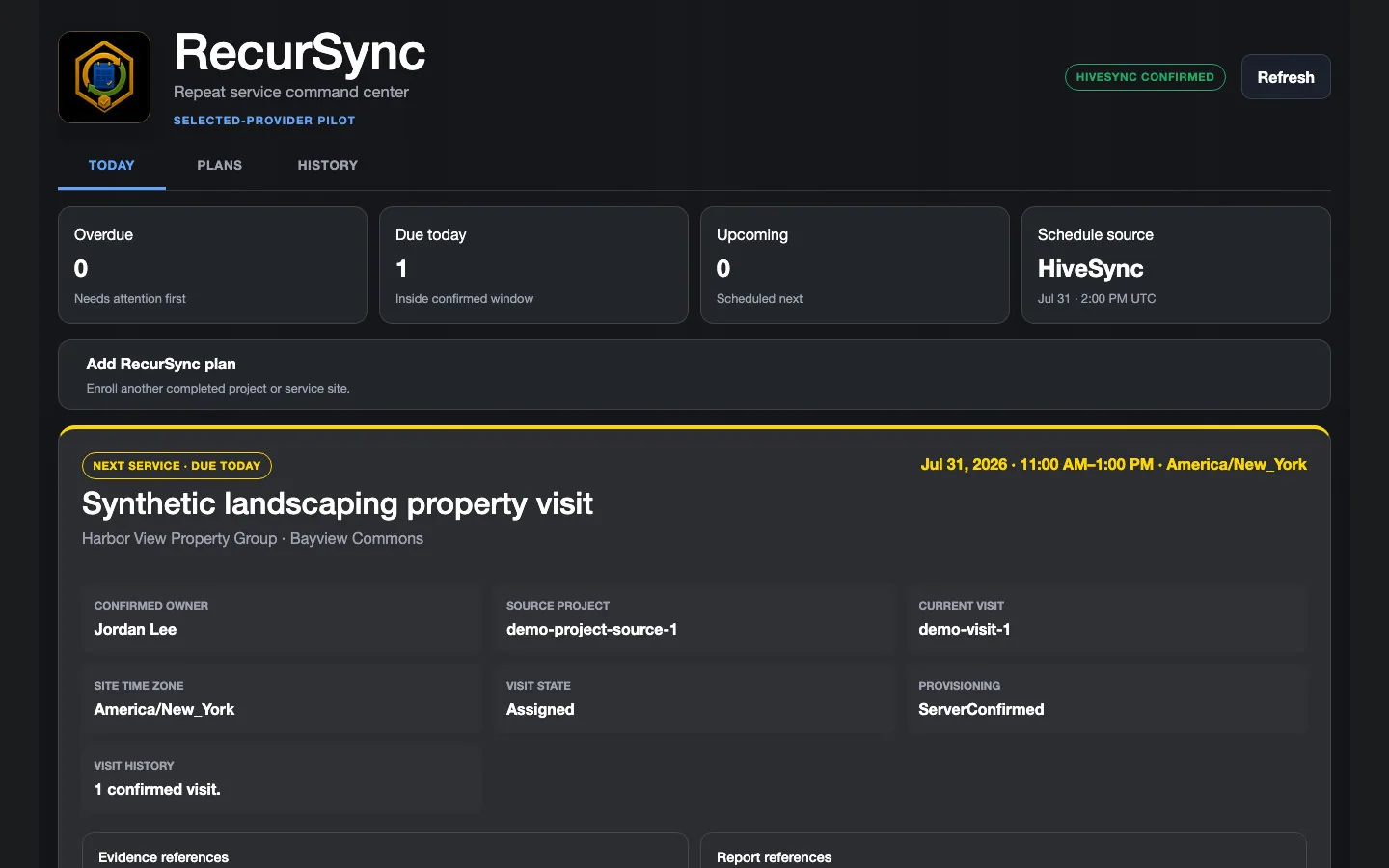 Illustrative persona demo · Nothing is saved, sent, purchased, or published.
TeamSync
Review crew coverage
Open TeamSync Command and confirm the accepted grounds-care assignment has an accountable owner.
See the full workflow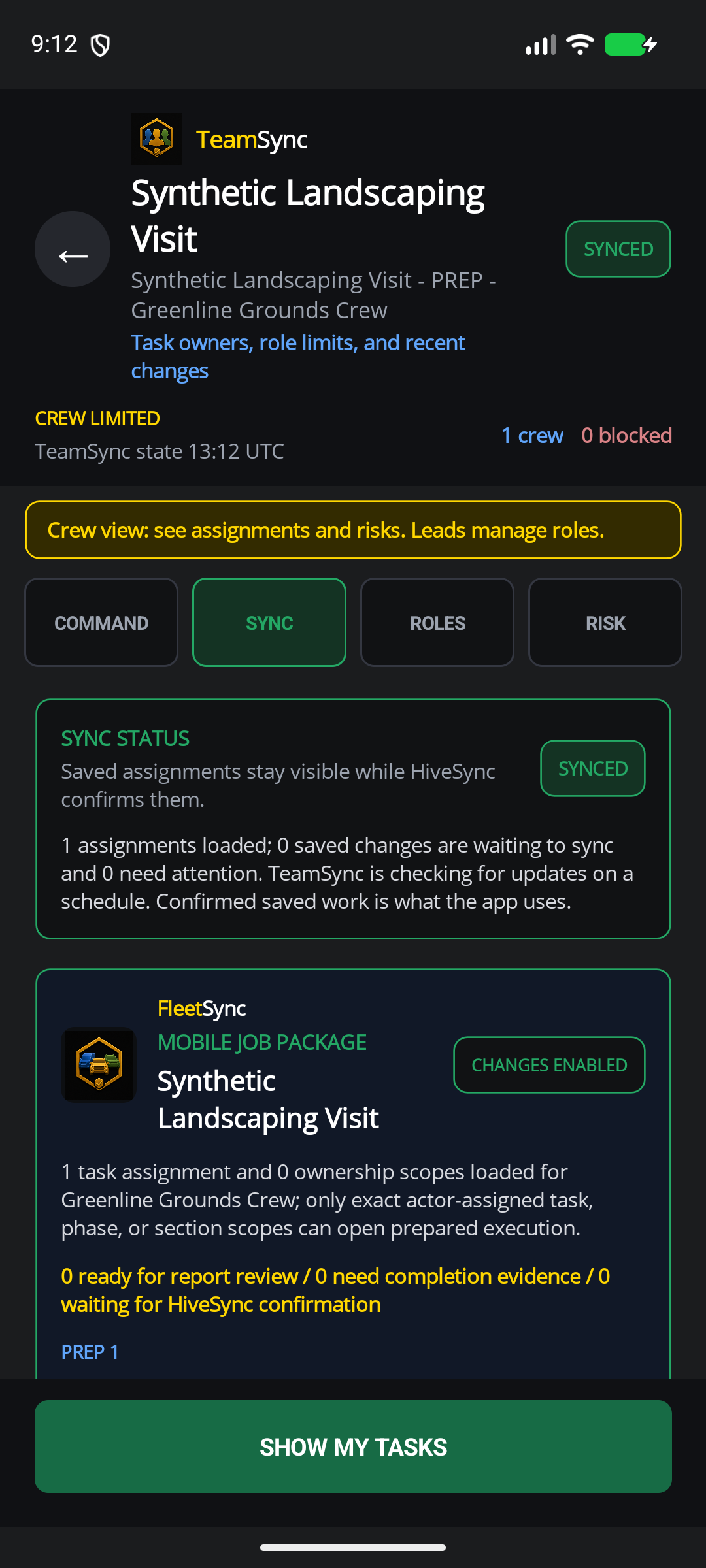 Static product state
HiveSync record
Review the grounds-care record
Review evidence and exceptions, then retain the result for the next visit.
See the full workflow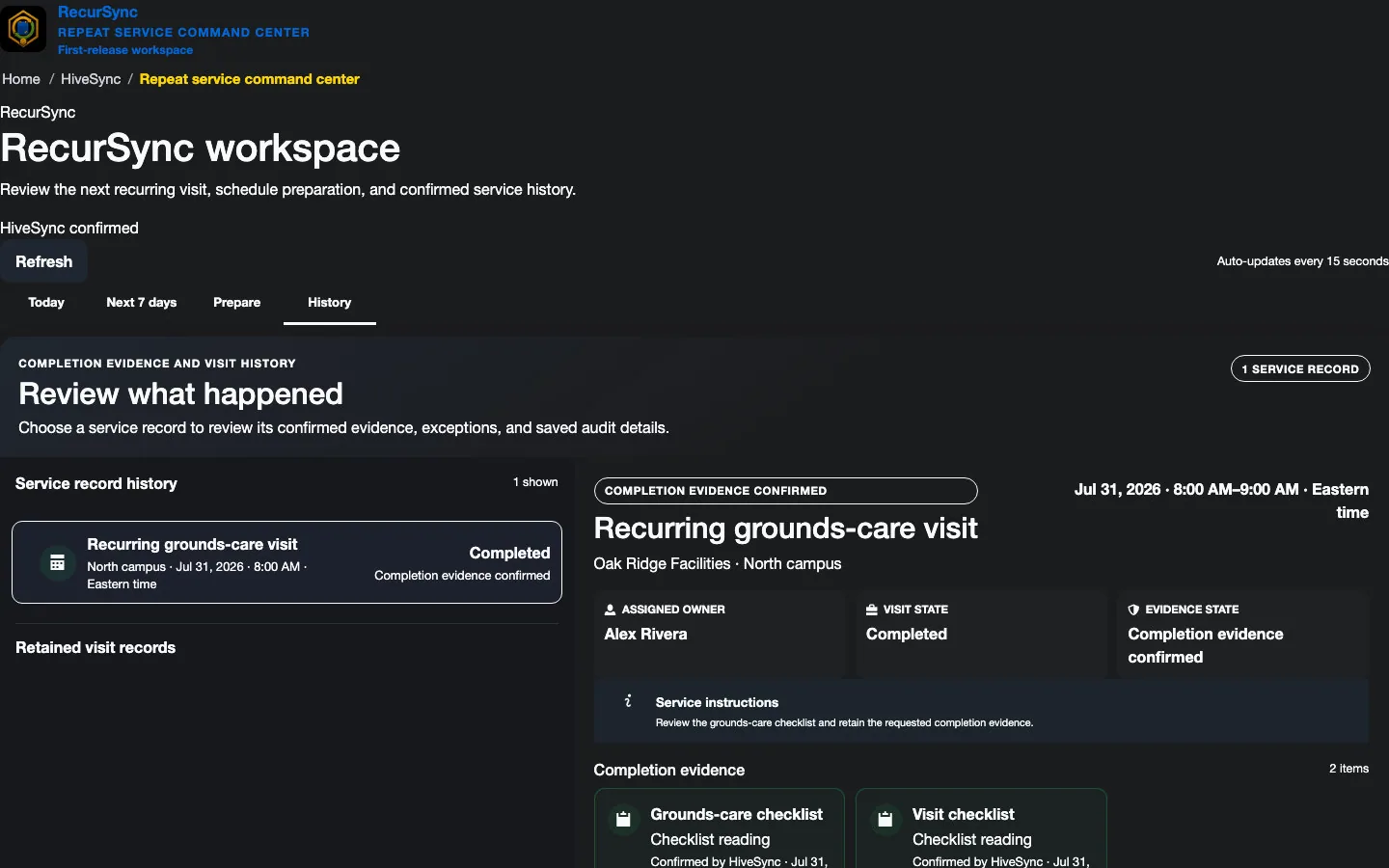 Static product state
See Property Work from Both Sides
Follow Alex as he records completed work, flags a locked gate, and checks a confirmed payment.
Fictional Cedar Grove example · Test payment · No real money moved.
Repeat landscaping work
Plan the visit once. Keep ownership and history visible.
Why this helps
Connect the recurring commitment to the crew handoff and the next client decision.
Prepare visits and Stops
Benefit details
Keep the schedule, numbered Stops, property notes, past issues, and current service decision together.
Give the crew one owner
Benefit details
Use TeamSync to show who owns the work and make handoffs clear before the visit.
Share what you know
Approved creators can publish landscaping Blueprints or clearly labeled supply recommendations.
Choose a plan
Choose the option that matches your work.
See the pricing page for current prices, limits, checkout, and access.
Subscription plan
Team
Team workspace plan The recommended starting point when a crew shares assignments, handoffs, templates, and completion history. Coordinate team work, assign responsibilities, plan daily stops, and share templates and reports. Compare TeamSee other access options
Subscription plan
Pro
Solo professional plan A solo-operator starting point for repeatable work and creator tools. Create private Blueprints and MoveSync plans, publish approved Blueprints, and use the reports and branding included in your plan. Compare ProCompare more ways to buy
Check the pricing page for current prices and access. Comparing an option does not buy it.
What you can use nowOrganize the work. Keep expert decisions with experts.
What you can use now
Organize the work. Keep expert decisions with experts.
HiveSync can organize a service Blueprint, assign the work with TeamSync, and use FleetSync Stops for a numbered list with synchronized Google Maps static preview when the organization is enabled, plus Copy Address and user-initiated Google Maps handoff.
- Keep landscaping instructions and client/property context limited to what the assigned team needs.
- Show waiting, failed, and confirmed updates as different results.
- Keep plant care, chemical choices, route safety, and local rules with trained people.
What comes later
Automated staging, route generation, weather decisions, supply ordering, directions, ETA, and live crew tracking are not current FleetSync claims.
Read common questions4 answers
Questions and answers
Common Questions
Where can I use RecurSync?
Organization owners can purchase RecurSync through the signed-in workspace. Public examples remain read-only.
Does FleetSync provide constant live crew tracking?
No. Teams with current FleetSync access can use focused daily-stop coordination, but it does not promise constant crew location, route generation, directions, or ETA.
Can a landscaping expert publish a Blueprint?
Possibly. The creator must own or have permission to use the material, pass review, and clearly label paid relationships.
Which plan fits a landscaping crew?
Team is the recommended crew starting point. Pro can fit a solo operator. The RecurSync subscription is separate from both base plans.
Keep the next property visit connected.
Next-step details
Start with the crew plan, then open RecurSync for recurring work after sign-in.